

Collaborative Features
Conversations Are Great, When You Collaborate
Create a chat platform where users can interact with each other in real-time using digital tools that enhance the chatting experience and promote collaboration.
Allow Users to do More on Video and Audio Calls
Video calling can be much more fun, productive, and an immersive experience if users can collaborate to work, hang out, discuss, and share ideas.
Make your users productive
Your users can share files and record audio notes with each other, compile and keep it organised. They can use a collaborative document and create as a team. AtomChat lets users contribute in real time and ideate with each other.
Let Users Share Their Screen
If you can share more, you can do more. Screen sharing feature is exclusive to the desktop users whereas both – the mobile and desktop users can view the shared screen. All with a single click.
Make Conversations Efficient
Working in collaboration brings out efficiency in team members. Some tasks can be dealt with single handedly, while the same is not true for some others. AtomChat allows you to have conversations where users can share ideas quickly, collaborate, and achieve more in less time.
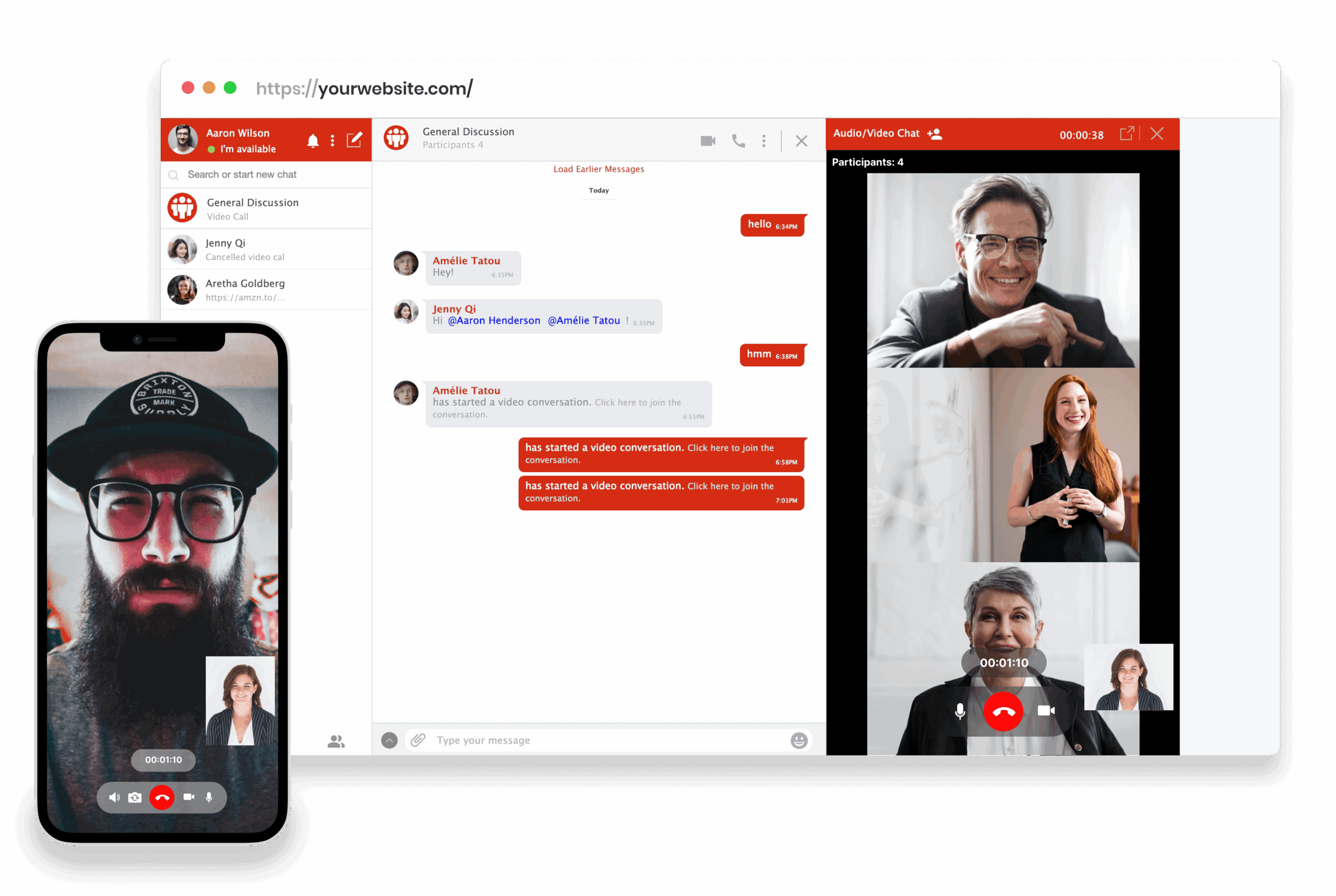
How AtomChat reinforces user participation and engagement
Your users can share files and record audio notes for each other. They can team up to create a collaborative document and process it together. AtomChat lets your users contribute in real time and ideate with each other.
Instant file sharing
Exchange text messages and online files in real time. AtomChat allows users to instantly transfer and distribute a variety of files. A convenient file sharing feature, right within your chat window.
Cloud Storage
The conversations and data exchanged over the chat rooms by the users is all stored using a cloud storage system. Data includes the chat, files and documents shared using AtomChat.
Use Whiteboards to Share Data
A digital whiteboard would literally replace your old school whiteboard. Users can take turns communicating via texts, drawings and graphics on the whiteboard and as one would do with an actual eraser, you can erase it too.
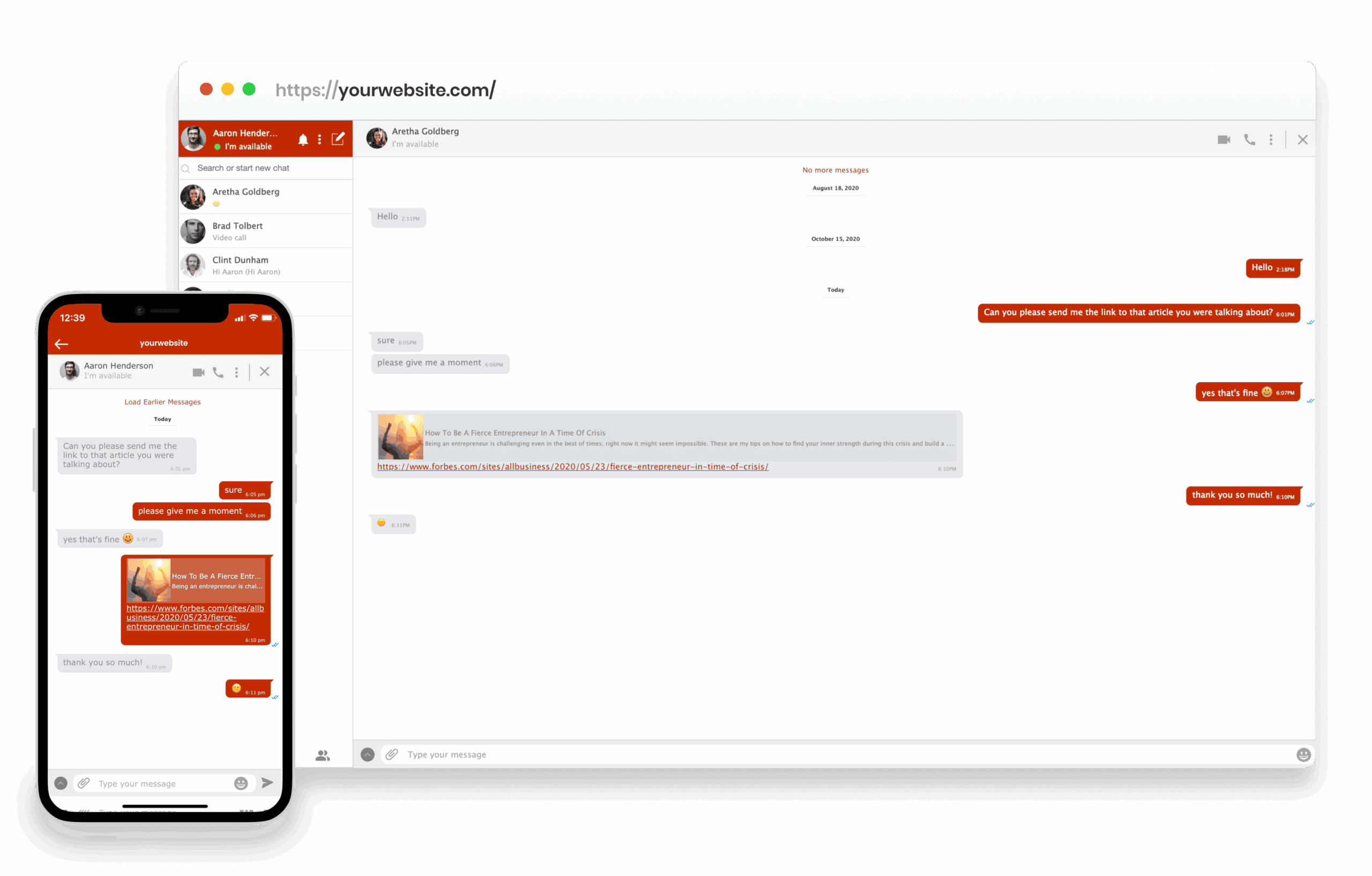
Build a Private Space for Your Users
Audio and Video Conference
Give your website users a rich and immersive calling experience with AtomChat's HD audio video calling and conferencing.
Group Text Chat
Create groups ranging from open-to-all, public to password protected or invite only exclusive groups. You can embed them on specific topic pages on your sites also!
Multilingual Integration
Your users can now chat with someone who does not speak their language with real-time translation. Add your own UI translations from the admin panel and configure AtomChat to speak to your users in their language.
Screenshare Integration
AtomChat lets you keep your users engaged with top of the line collaborative features. Let them share their screens and explain difficult to grasp concepts.
Whiteboard and More
Allow your users to contribute and ideate with each other. AtomChat has a Whiteboard that they can take advantage of to collaborate in real-time.
Monetize With Tiered Access & Ads
Control which user role gets access and privilege certain features.Take advantage of our credit deduction system and charge per minute / charge per message. Run ads and monetize.
Automatically Import Your Users
Your users are added on-the-fly with the integration! That's not all, their roles and friend relationships are synced too. So they can build on existing relationships and enjoy privileges based on their roles.
Customize with a Powerful Admin Panel
Control almost all aspects of AtomChat's behavior from its powerful admin panel. Things like changing the color are just a click away. Define user behavior and membership level based feature access using the admin panel!
White-Glove Integration Assistance
AtomChat is very easy to install, it usually needs no more than a coffee break to get it up and running on your website. But if you do not want to get your hands dirty with the integration, our experts will be glad to help you setup.